
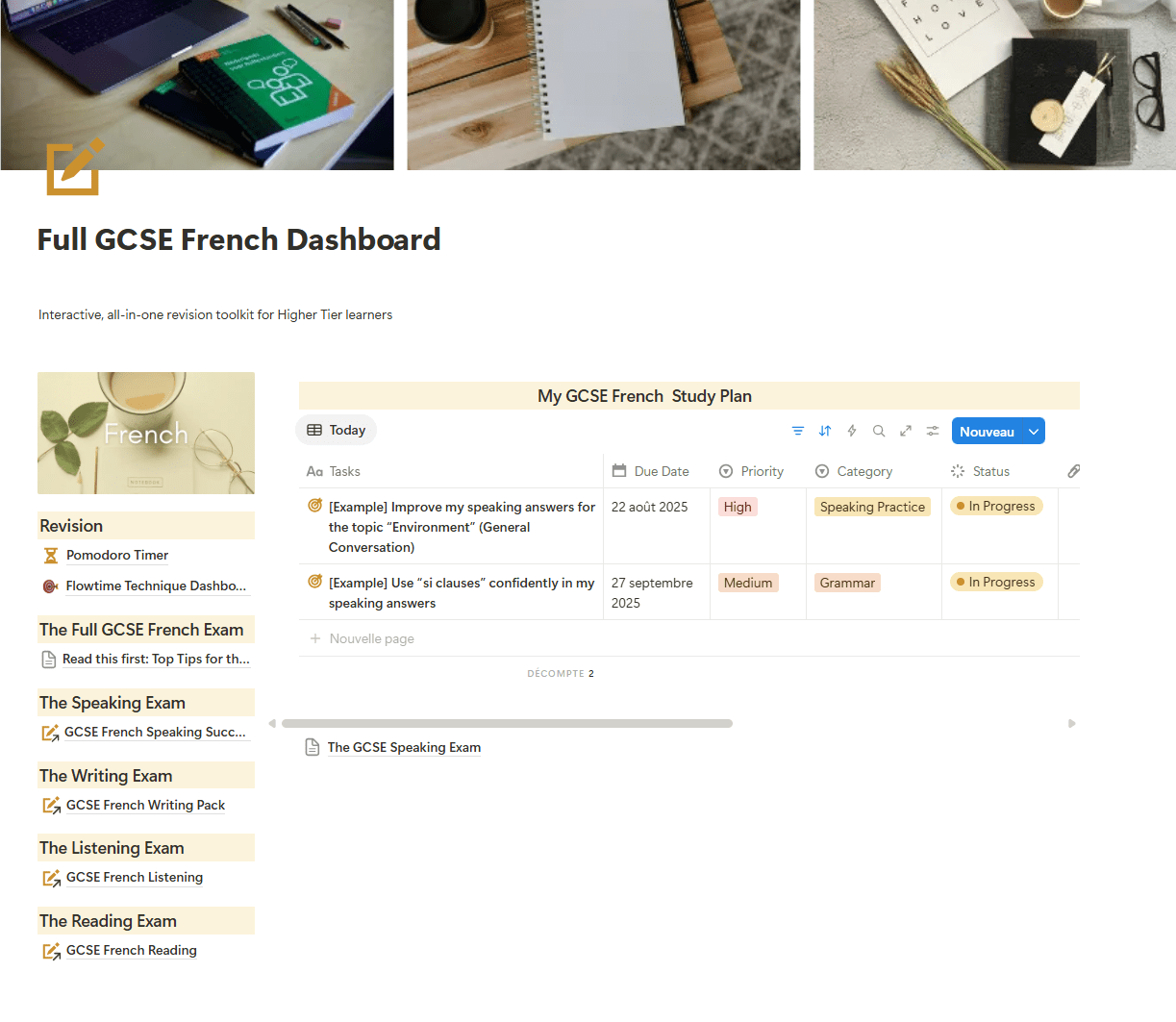
 Option 1: I’m new to Notion → Set me up
 Option 1: I’m new to Notion → Set me up
Follow these steps if you don’t have a Notion account/page yet.
Step-by-Step Instructions:
- Create a free Notion account here
- Click the link to open the GCSE French Personal Journal (you don’t need to upload anything).
- At the top-right of the page, click the “Duplicate” button.
- A pop-up will appear — select “Add to private”
- The pack will then start downloading in your Notion dashboard.
Your copy = “GCSE French Journal” in your workspace.
Bookmark it (Favorites) to access it quickly next time.